Luxury Men's Portrait Prompt – Black Outfit & Crimson Red Background
Create a striking luxury men's fashion portrait with a black ribbed sweater, rectangular sunglasses, dramatic crimson-red studio lighting, and a cinematic editorial aesthetic. Designed for stylish Instagram portraits and premium personal branding, with a strong focus on preserving your real facial identity.
Aesthetic Photo Prompts
Intermediate
Prompt
Copied 31 times
Primary Objective Transform the uploaded reference photograph into a sophisticated, photorealistic luxury men's fashion portrait. Create the visual quality of a high-end fashion magazine editorial combined with modern Instagram portrait aesthetics. The final image should feel confident, refined, cinematic, and professionally photographed—not artificially generated. 1. Strict Identity Preservation Use the uploaded reference photograph as the identity reference for the person. Preserve the person's recognizable identity, facial structure, facial proportions, skin tone, age, hairstyle, hairline, and distinctive facial features. Maintain natural skin texture, pores, fine lines, and authentic facial characteristics. Do not reshape the nose, lips, jawline, eyes, eyebrows, or other facial features. Do not replace the person with another individual or unnecessarily regenerate the face. Preserve natural proportions and avoid artificial beautification. When identity preservation conflicts with aesthetic changes, preserving the original identity takes priority. 2. Outfit and Styling Style the subject in a premium black ribbed-knit sweater with realistic fabric texture, natural folds, and a clean, sophisticated fit. Add sleek black rectangular sunglasses with realistic lens reflections and properly aligned frames. Include a small silver hoop earring if appropriate to the desired styling. Maintain a restrained, monochromatic luxury aesthetic. Clothing and accessories should look physically real and complement the subject's existing appearance. 3. Pose and Expression Create a relaxed yet powerful editorial pose. Lower the head slightly. Turn the face subtly to one side. Direct the gaze slightly past the camera. Use a calm, confident expression with a subtle natural smile. Keep the shoulders relaxed and posture composed. Preserve the person's recognizable facial proportions and natural anatomy. Avoid exaggerated expressions or unnatural head positioning. 4. Background and Environment Create a minimal luxury studio environment featuring a deep crimson-red gradient background with rich, dark-red tonal transitions. Use subtle background depth and a clean, uncluttered composition. The background should complement the black outfit while providing sufficient separation around the subject's silhouette. Avoid unnecessary props, visible text, decorative objects, or distracting patterns. 5. Lighting and Atmosphere Use premium fashion-editorial lighting: Key light: Soft, flattering illumination across the face. Fill light: Controlled fill that retains natural skin detail and shadow depth. Rim light: A dramatic crimson-red accent outlining the hair and shoulders. Shadow control: Cinematic shadows with preserved facial detail. Background illumination: A subtle red glow creating depth behind the subject. Maintain realistic skin tones and believable light falloff. The red rim light should enhance the silhouette without contaminating the entire face with unnatural color. Avoid blown highlights, crushed shadows, excessive glow, and artificial HDR. 6. Camera and Composition Create a chest-up portrait using the visual characteristics of professional 85mm portrait photography. Keep the subject as the clear focal point. Use shallow depth of field with natural background separation. Maintain realistic facial proportions and perspective. Render the face, hair, sunglasses, and sweater with crisp, natural detail. Position the subject thoughtfully within the frame, allowing comfortable headroom. Use a vertical 4:5 composition suitable for Instagram posts and fashion-editorial content. 7. Color Grading and Image Quality Apply refined luxury-fashion color grading with deep crimson reds, rich blacks, controlled highlights, and natural skin tones. Preserve the sweater's ribbed texture, realistic sunglasses reflections, detailed hair strands, and natural skin characteristics. Use subtle professional retouching rather than aggressive smoothing. Prioritize photographic realism, tonal balance, and clean detail over artificial sharpness or exaggerated effects. 8. Visual Style Luxury men's fashion editorial, premium studio portrait, contemporary personal branding, cinematic red backdrop, sophisticated street-luxury styling, professional portrait photography, refined commercial finish. The final image should look like a carefully art-directed fashion photograph suitable for a premium magazine or professional social-media profile. Final Instruction Edit the uploaded photograph rather than creating a different person. Preserve the subject's actual identity and natural facial features while applying the requested clothing, pose, accessories, lighting, and background. Generate the edited image itself, not a written description. Maintain a realistic, polished, high-end photographic appearance throughout.
Try it in:
Save this prompt
Sign in with Google to keep your favourite prompts in one place — they will be waiting for you on any device.
You do not need an account to copy this prompt — only to save it.
Negative prompt
Identity change, face swap, altered facial structure, reshaped jawline, changed nose, altered lips, enlarged eyes, changed skin tone, artificial skin, plastic skin smoothing, excessive beautification, different hairstyle, distorted sunglasses, asymmetrical glasses, deformed ears, unrealistic earring, distorted anatomy, unnatural neck, malformed shoulders, unrealistic sweater texture, artificial reflections, excessive red color cast on the face, harsh shadows, blown highlights, crushed blacks, excessive HDR, oversaturation, fake bokeh, cartoon, CGI, illustration, painterly effect, blurry face, low resolution, text, watermark, logo.
Paste this into your tool's negative prompt field — not into the main prompt.
Settings
- Aspect ratio:
- 4:5
- Model:
- GPT-5
- Style:
- cinematic
Works with
- Midjourney
- Leonardo AI
- ChatGPT
- Google Gemini
- Grok
A tool not listed here has not been tested with this prompt — it is not a claim that the prompt fails there.
How to use this prompt
How to Use This Luxury Portrait Prompt
- Open ChatGPT or another AI image editor that supports photo editing.
- Upload a clear photograph of yourself with your face and hairstyle visible.
- Copy the complete Luxury Men's Fashion Portrait Prompt and paste it into the chat.
- Ask the AI to edit your photograph using the specified black outfit, crimson background, and cinematic lighting.
- If your editor supports a separate negative-prompt field, paste the negative prompt there.
- Review the result to ensure your facial identity, skin tone, and natural features remain recognizable.
- Save the final image if you are satisfied with the result.
Pro tip: For a more natural result, use a reference photograph with good lighting and a clearly visible face. If the AI changes your facial features, retry with: "Preserve my original face and identity. Apply only the requested styling, background, and lighting changes."
Results vary by image editor and source photograph. Generative AI may still modify facial details, so compare the result with your original image before publishing.
Tags
Related prompts
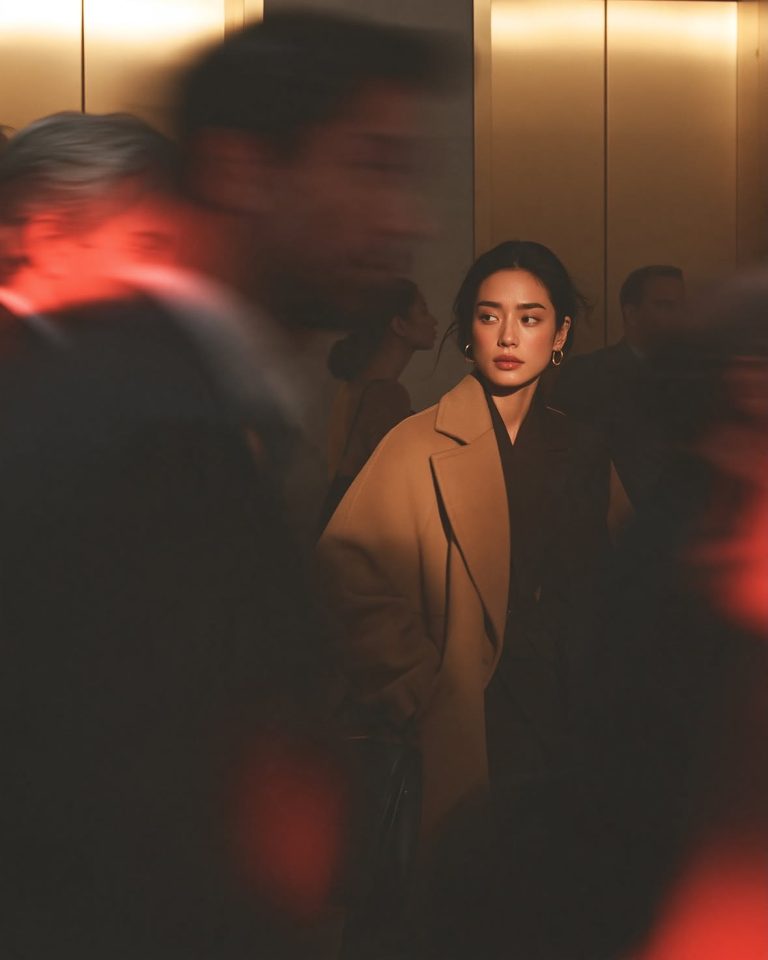
Cinematic Office Lobby Portrait – Candid Film Photography Midjourney Prompt
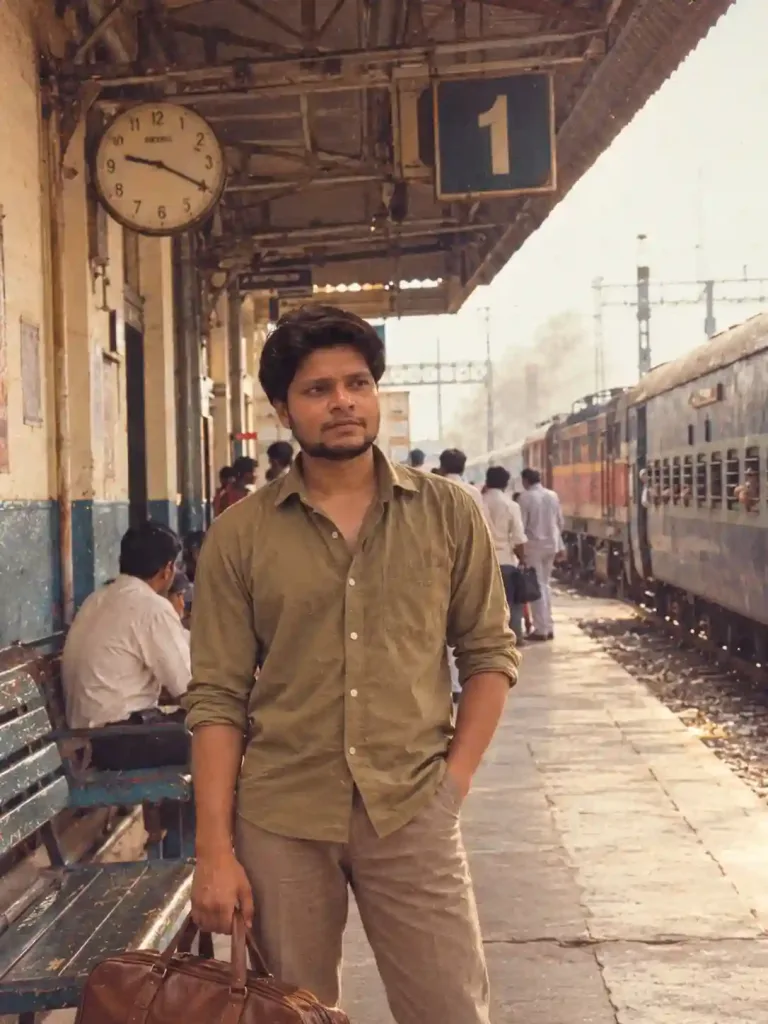
ChatGPT 80s Photo Prompt: Indian Railway Station Nostalgia (1987)

Double Exposure Photo Prompt – Personalized Travel Poster
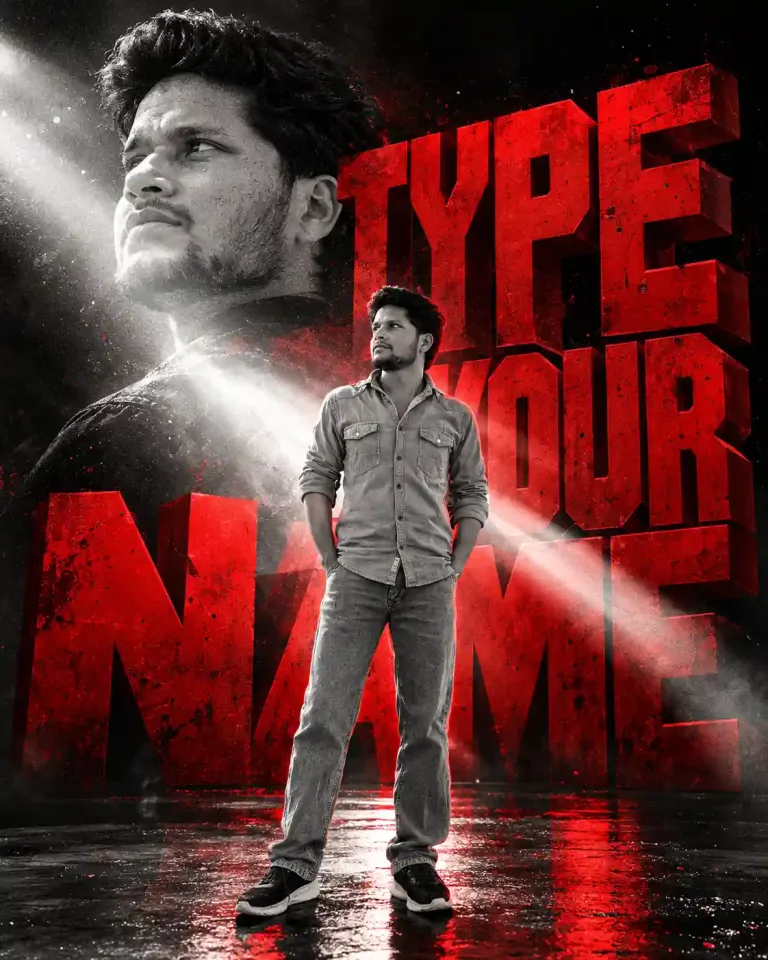
3D Name Poster Photo Prompt for Boys – 3D Name & Manga Portrait

AI Photo Enhancement Prompt – Enhance Image Quality Without Changing Your Face

Prompt for Professional Photo for Linkedin | Prompt for LinkedIn Profile

3D Photo Frame Cutout Prompt for ChatGPT | Editorial Photo Edit

Minimalist Paper Illustration Poster Photo Editing Promp for ChatGPT