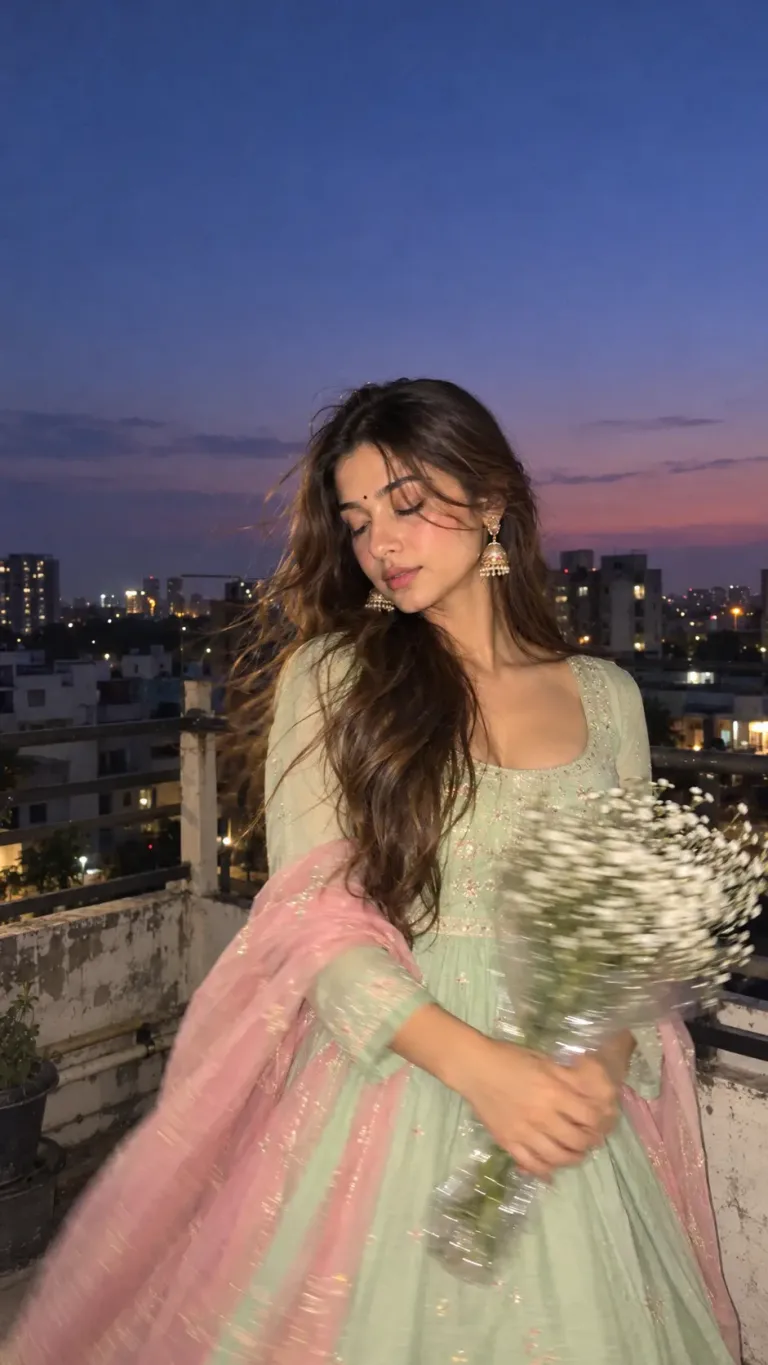
3D Photo Frame Cutout Prompt for ChatGPT | Editorial Photo Edit
Create a stunning 3D photo frame cutout effect with this ChatGPT photo editing prompt. Transform your picture into a premium editorial collage on warm ivory paper, with realistic shadows and subjects extending beyond the frame.
Aesthetic Photo Prompts
Intermediate
Prompt
Copied 5 times
Transform this photo into a premium minimalist editorial collage on a warm ivory paper background (3:4 vertical). Keep the original photo and subject unchanged. Create a realistic 3D pop-out effect where the subject and natural elements extend beyond the bottom edge of the photo frame, with subtle shadows, depth, and elegant luxury- magazine aesthetics.
Try it in:
Save this prompt
Sign in with Google to keep your favourite prompts in one place — they will be waiting for you on any device.
You do not need an account to copy this prompt — only to save it.
Settings
- Aspect ratio:
- 4:5
- Model:
- GPT-5
- Style:
- cinematic
Works with
- Google Imagen
- ChatGPT
- Google Gemini
A tool not listed here has not been tested with this prompt — it is not a claim that the prompt fails there.
How to use this prompt
Steps to follow:
- Open ChatGPT and select its image-generation or photo-editing feature.
- Upload the original photo you want to transform.
- Copy and paste the prompt above.
- Generate the image and check that the original photo remains faithful.
- If needed, ask for more realistic shadows and a stronger pop-out effect without changing the original subject.
Tags
Related prompts

Double Exposure Photo Prompt – Personalized Travel Poster
Comatozze Gemini Prompt for Photo – Cinematic Editorial Portrait

Gemini AI Photo Prompt for Boys with BMW Car – Black M5 Mountain Look

Luxury Men's Portrait Prompt – Black Outfit & Crimson Red Background

AI Photo Enhancement Prompt – Enhance Image Quality Without Changing Your Face

Old Photo to New Photo AI Prompt – Restore Old Photos Using Ai