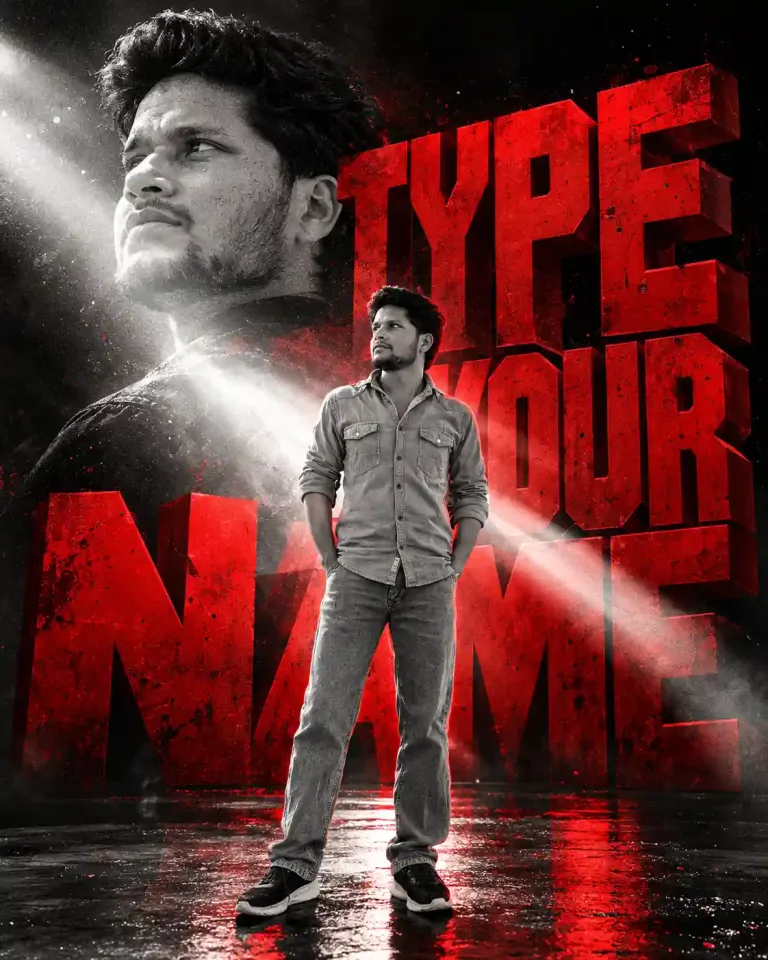

Double Exposure Photo Prompt – Personalized Travel Poster
Create a personalized AI double exposure travel poster by blending your portrait with your favorite destination. This copy-paste AI photo prompt combines realistic portrait photography, destination landscapes, elegant typography, warm ivory backgrounds, and minimalist Swiss-inspired design to create a premium travel editorial poster.
Aesthetic Photo Prompts
Intermediate
Prompt
Copied 6 times
INPUT PHOTOS - Photo 1: My portrait or personal photograph. - Photo 2: My chosen destination, landscape, temple, city, or travel photograph. PROMPT: Create a premium, minimalist travel editorial poster by artistically blending the two uploaded reference photos into one elegant double-exposure composition. 1. Main Subject Use Photo 1 as the primary portrait. Preserve the person's original facial identity, facial features, skin tone, hairstyle, expression, body proportions, clothing, and natural appearance. Keep the subject photorealistic and recognizable. Position the person prominently in the center, preferably in a three-quarter or side-profile composition, with a calm, cinematic expression. 2. Double-Exposure Effect Integrate Photo 2 naturally inside the subject's silhouette, clothing, and lower body. Blend the destination's architecture, scenery, sky, trees, or other defining features into the portrait using realistic double-exposure techniques. - Make the destination clearly recognizable. - Blend the two photographs seamlessly with soft transitions. - Use natural lighting, atmospheric depth, subtle film grain, and realistic shadows. - Create a beautiful visual connection between the person and the destination. - Avoid harsh cutout edges, excessive transparency, distorted anatomy, or artificial-looking overlays. 3. Poster Design Use a warm ivory or soft beige background with generous negative space. Create a sophisticated, luxury travel-magazine aesthetic inspired by minimalist Swiss editorial design. At the top, add the destination name in large, elegant, uppercase serif typography. Below the title, add a small, widely spaced subtitle: “WHERE MEMORIES BECOME TIMELESS” Add a small, tasteful decorative line or destination-inspired symbol beneath the subtitle. On the left side, include a short handwritten-style phrase, such as: “Journeys within. Stories forever.” Keep all typography subtle, refined, correctly spelled, and balanced with the portrait. 4. Color Grading Use muted earthy tones, warm beige, soft brown, golden-hour amber, and natural charcoal accents. Apply gentle cinematic contrast, delicate texture, and a timeless fine-art photographic finish. 5. Composition and Quality - Vertical 3:4 poster composition. - Portrait centered and dominant. - Destination imagery concentrated in the lower half of the portrait. - Clean, uncluttered background. - Professional typography and balanced spacing. - Photorealistic face with detailed skin texture. - Seamless double exposure with premium editorial art direction. - High resolution, polished, print-ready appearance. IMPORTANT INSTRUCTIONS Use both uploaded photographs as the actual visual references. Do not replace the person with a generated face or substitute the destination with unrelated scenery. Preserve the original identity and the recognizable details of Photo 2. Automatically adapt the destination title, decorative symbol, color palette, and visual atmosphere to match the second photograph. If the destination name is unknown, use a suitable short title or omit it rather than inventing a location. Final result: A sophisticated, personalized travel poster that combines the person's portrait with the beauty of the chosen destination in a seamless, cinematic double-exposure style.
Try it in:
Save this prompt
Sign in with Google to keep your favourite prompts in one place — they will be waiting for you on any device.
You do not need an account to copy this prompt — only to save it.
Settings
- Aspect ratio:
- 4:5
- Model:
- GPT-5
- Style:
- cinematic
Works with
- Google Imagen
- ChatGPT
- Google Gemini
A tool not listed here has not been tested with this prompt — it is not a claim that the prompt fails there.
How to use this prompt
How to use
- Copy the prompt and paste it into your AI tool.
- Generate a few variations before judging it — the first result is rarely the best one.
Tips
- Swap the subject of “Double Exposure Photo Prompt – Personalized Travel Poster” for your own and leave the lighting and lens wording alone — that is what carries the look.
- Change one thing at a time. Two edits at once and you will not know which one worked.
- Fix a seed once you like a result, so later edits are comparable.
Tags
Related prompts
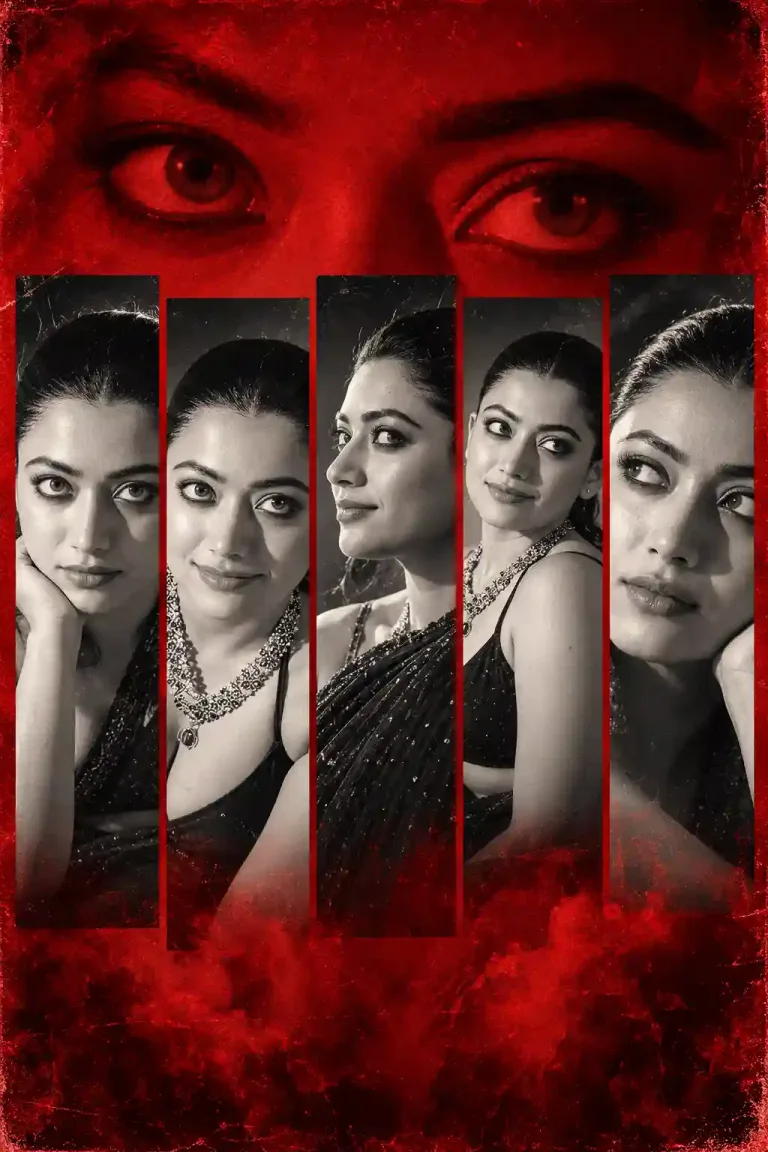
Red Monochrome Tribute Poster Photo Prompt for Girls

AI Photo Prompt for Boys: Sage Green Suit & Burning Black Roses

Gemini AI Photo Prompt for Boys with BMW Car – Black M5 Mountain Look
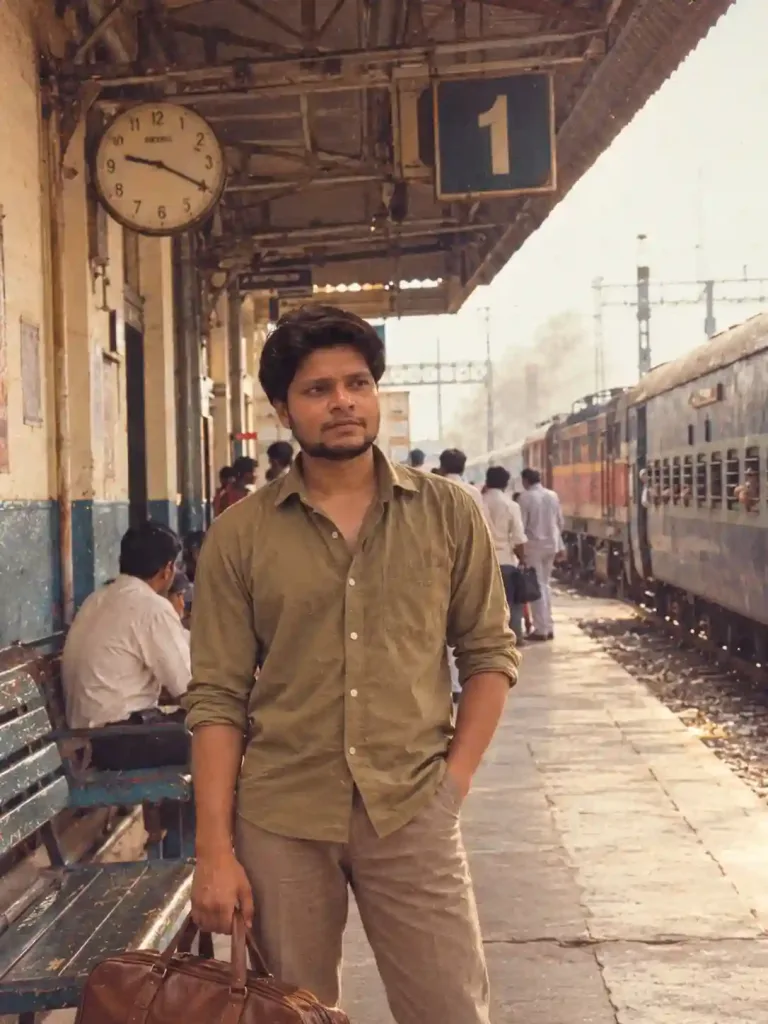
ChatGPT 80s Photo Prompt: Indian Railway Station Nostalgia (1987)

Luxury Men's Portrait Prompt – Black Outfit & Crimson Red Background

Profile Photo Prompt for ChatGPT | Prompt for LinkedIn Profile Picture

Prompt for Professional Photo for Linkedin | Prompt for LinkedIn Profile

3D Photo Frame Cutout Prompt for ChatGPT | Editorial Photo Edit
