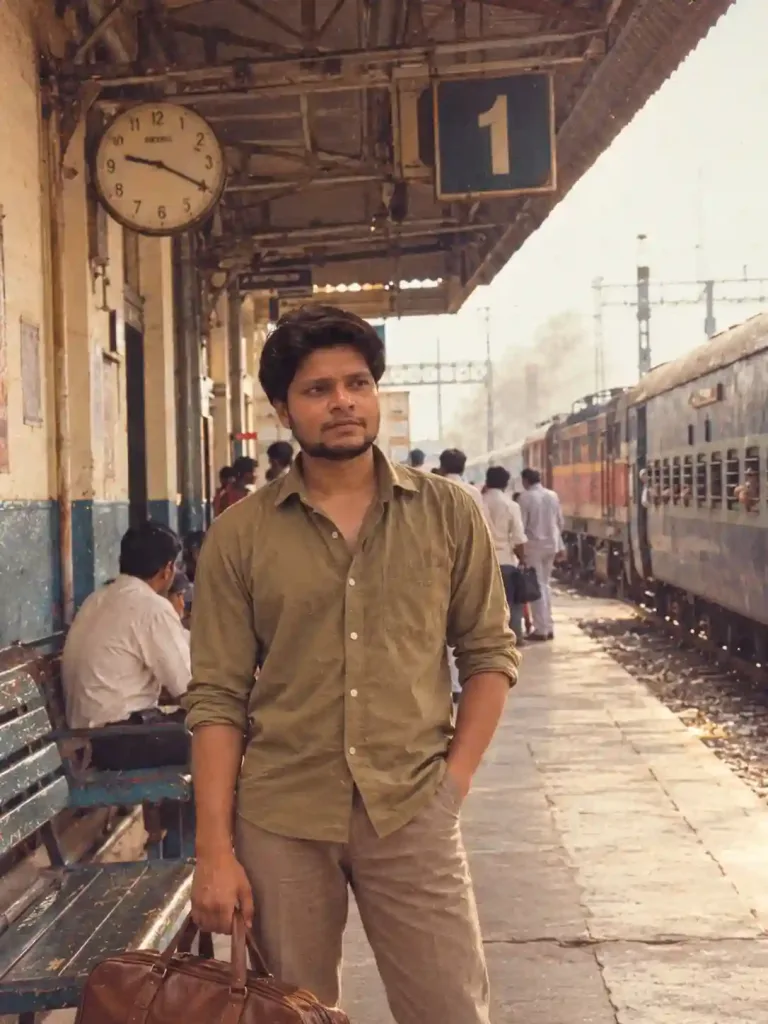

Prompt for Professional Photo for Linkedin | Prompt for LinkedIn Profile
Create a professional LinkedIn headshot from your existing photo using AI. Get a polished corporate appearance, professional attire, clean background, and studio-quality lighting while preserving your real face and identity.
Professional Headshot Prompts
Beginner
Prompt
Transform the uploaded photograph into a polished, professional LinkedIn headshot suitable for a corporate profile, résumé, business website, or professional portfolio. Primary Objective Create a natural, photorealistic corporate portrait that communicates confidence, credibility, approachability, and professionalism. The result must look like a genuine photograph taken by a professional portrait photographer, not an AI-generated image. 1. Strict Identity Preservation Preserve the exact identity of the person in the reference photograph. Keep the original facial structure, eyes, eyebrows, nose, lips, jawline, ears, skin tone, age, hairstyle, facial hair, and other distinctive features unchanged. Preserve the person's natural expression and recognizable facial proportions. Do not reshape, beautify, regenerate, or replace the face. Retain realistic skin texture, pores, fine lines, and natural imperfections. Do not make the person look like a different individual or an idealized model. 2. Professional Business Appearance Create a refined, modern professional look appropriate for LinkedIn. Dress the person in a well-fitted business outfit, such as a navy blazer, charcoal suit, white shirt, or understated business-casual attire. Choose clothing appropriate for the person's existing appearance and intended professional context. Keep the outfit realistic, properly fitted, and free of visual distortions. If clothing needs to be changed, modify only the clothing and preserve the person's original body proportions. Avoid excessive accessories, flashy patterns, and distracting details. 3. Pose and Expression Use a natural, upright posture with relaxed shoulders. Maintain a confident, approachable expression. A subtle, genuine smile is preferred when compatible with the original expression. Keep the head and shoulders naturally aligned. Use realistic eye direction and natural facial muscle positioning. Do not force an exaggerated smile or alter the person's identity to achieve a different expression. 4. Background and Lighting Use a clean, elegant, neutral studio background in soft gray, warm off-white, or a subtle muted blue. Apply soft, flattering studio lighting with natural shadows. Ensure even exposure across the face without harsh highlights or deep, unnatural shadows. Create subtle background separation while keeping the image realistic. Avoid distracting office props, artificial scenery, excessive blur, and dramatic cinematic effects. 5. Camera and Composition Create a professional head-and-shoulders portrait. Position the face naturally near the center of the composition. Use realistic portrait-lens perspective with natural facial proportions. Maintain crisp focus on the eyes and face. Produce detailed hair, realistic skin, clean clothing textures, and balanced contrast. Use a square 1:1 composition suitable for a LinkedIn profile photograph, with sufficient space around the head for circular cropping. 6. Color and Retouching Maintain accurate, natural skin tones. Apply subtle color correction and professional exposure balancing. Remove distracting temporary blemishes only when appropriate, without erasing natural skin texture. Avoid plastic skin, excessive smoothing, exaggerated sharpness, oversaturation, artificial HDR, and unrealistic color grading. Negative Prompt Different person, identity change, face swap, altered facial structure, changed nose, changed lips, reshaped jawline, enlarged eyes, different skin tone, younger-looking face, excessive beautification, artificial smile, plastic skin, excessive retouching, unrealistic hair, distorted ears, asymmetrical eyes, deformed hands, distorted clothing, unnatural shoulders, exaggerated muscles, harsh shadows, oversaturated colors, cartoon effects, CGI, artificial background, excessive bokeh, low resolution, blurry face, text, watermark, and logos. Final Instruction Use the uploaded photograph as the identity reference. Change only what is necessary to achieve a professional LinkedIn-ready portrait. Preserve the person's authentic identity above all else. The final image should look confident, credible, approachable, natural, and professionally photographed. Do not create a new person. Do not sacrifice facial identity for aesthetic improvement.
Try it in:
Save this prompt
Sign in with Google to keep your favourite prompts in one place — they will be waiting for you on any device.
You do not need an account to copy this prompt — only to save it.
Settings
- Aspect ratio:
- 1:1
- Model:
- GPT-5
- Style:
- portrait photography
Works with
- Adobe Firefly
- Google Imagen
- ChatGPT
- Google Gemini
A tool not listed here has not been tested with this prompt — it is not a claim that the prompt fails there.
How to use this prompt
Follow these simple steps to transform your ordinary photograph into a professional LinkedIn headshot using AI.
Step 1: Upload Your Photo
Open ChatGPT and upload a clear photograph of yourself. Choose a front-facing image with good lighting, where your face is clearly visible.
Step 2: Copy the Prompt
Copy the complete LinkedIn Professional Headshot Prompt from PromptCopy.net and paste it into the chat.
Step 3: Customize Your Professional Look
If you have a specific preference, add a short instruction, such as:
Corporate: Navy suit, white shirt, and neutral studio background.
Business Casual: Blazer with a simple shirt and soft lighting.
Entrepreneur: Modern business attire with a clean, premium background.
Step 4: Generate Your Photo
Ask ChatGPT to edit your uploaded photograph using the prompt. The AI will attempt to improve your professional appearance, lighting, background, and composition while preserving your facial identity.
Step 5: Review the Result
Check that your face, skin tone, hairstyle, and distinctive features still look like you. If the AI changes your identity, try again with this instruction:
"Preserve my original face and facial features exactly. Make only subtle professional improvements to clothing, background, lighting, and image quality. Do not regenerate or reshape my face."
Step 6: Download and Update LinkedIn
Save the result if you are satisfied with it, then upload it as your LinkedIn profile picture. A square 1:1 image with your face clearly visible works well for LinkedIn's circular profile crop.
Pro tip: Start with a high-quality original photograph. AI editing can sometimes alter facial details, so always compare the final result with your original before using it professionally.
Note: Results vary by AI tool and source image. Some tools may interpret clothing, background, or identity-preservation instructions differently.
Tags
Related prompts

AI Paper Cut Art Prompt - Transform Your Photo into a 3D Layered Papercraft Illustration

Double Exposure Photo Prompt – Personalized Travel Poster
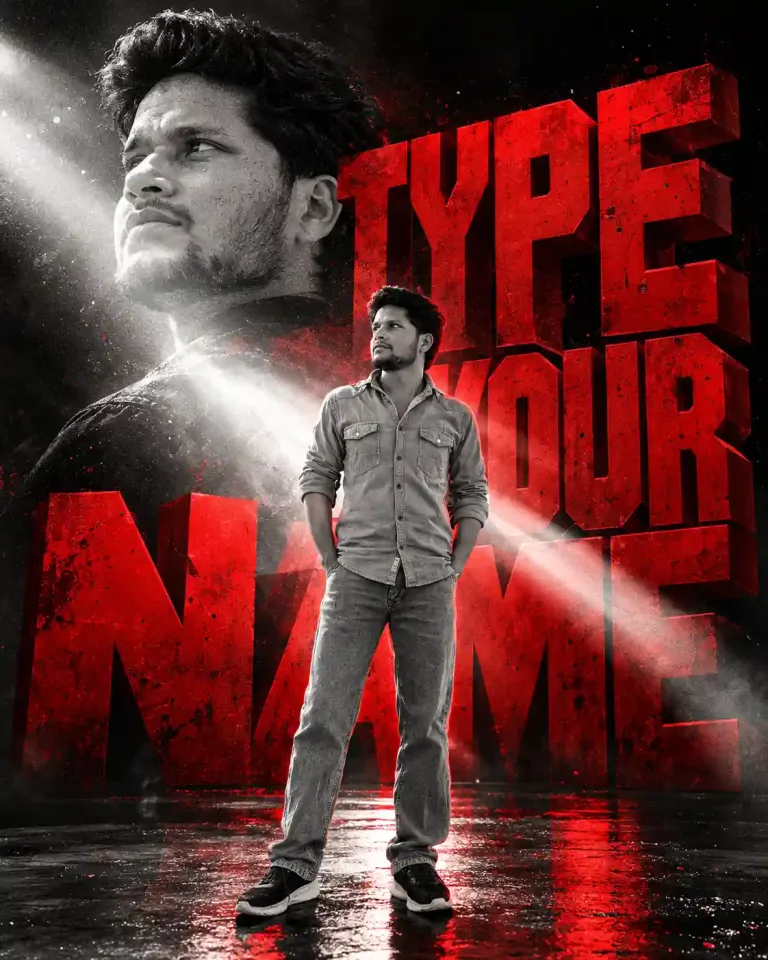
3D Name Poster Photo Prompt for Boys – 3D Name & Manga Portrait

Luxury Men's Portrait Prompt – Black Outfit & Crimson Red Background

AI Photo Enhancement Prompt – Enhance Image Quality Without Changing Your Face

Profile Photo Prompt for ChatGPT | Prompt for LinkedIn Profile Picture
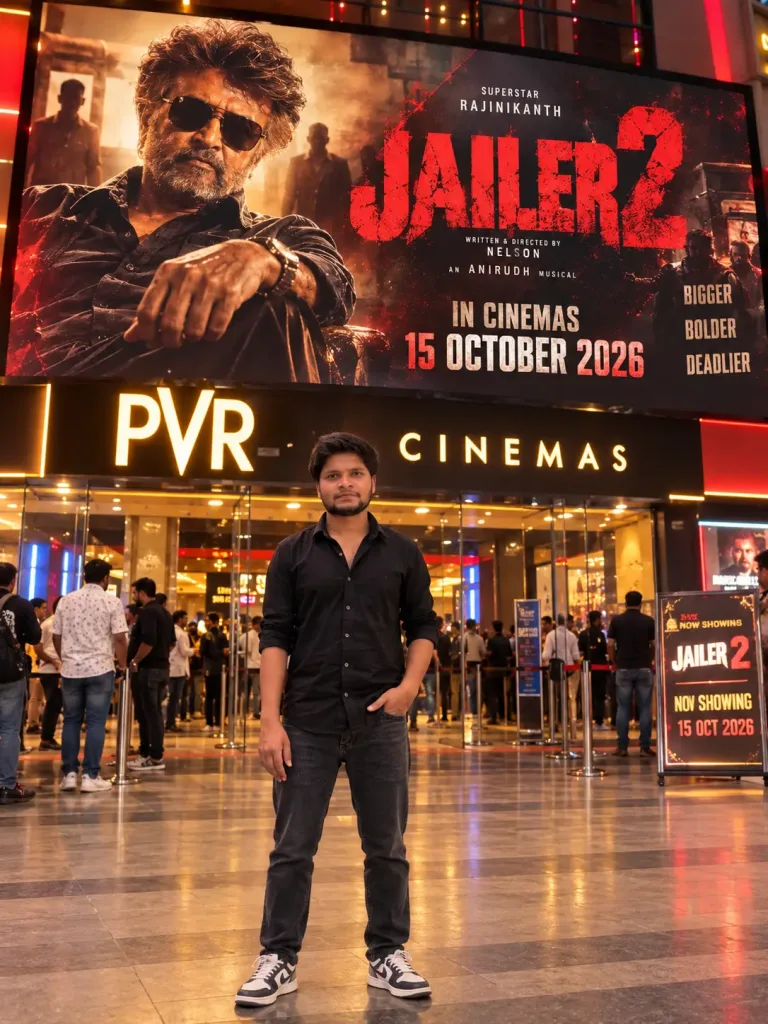
Ultra-Realistic Jailer 2 Cinema Hall Portrait AI Photo Prompt for Boys
