

Cinematic Office Lobby Portrait – Candid Film Photography Midjourney Prompt
Create a cinematic, candid film photograph of an elegant woman in a busy office lobby. This Midjourney prompt captures an atmospheric editorial moment with foreground motion blur, warm reflected light, deep shadows, analog film grain, and muted cinematic colors.
AI Art Prompts
Intermediate
Prompt
Copied 24 times
A CANDID FILM PHOTOGRAPH FROM ACROSS A BUSY OFFICE LOBBY, A BLURRED PASSERBY CROSSING CLOSE TO THE LENS IN THE FOREGROUND, PARTIALLY VEILING AN ELEGANT EAST ASIAN WOMAN IN THE MIDDLE GROUND AS SHE GLANCES BACK OVER HER SHOULDER, WEARING A CAMEL COAT OVER A DARK TAILORED OUTFIT, A SMALL LEATHER WORK BAG, UNDERSTATED GOLD HOOP EARRINGS, BRASS ELEVATOR DOORS AND A FEW SOFT HUMAN SILHOUETTES IN THE BACKGROUND, WARM REFLECTED LIGHT, DEEP SHADOWS, SLIGHTLY MISSED FOCUS, GENTLE MOTION BLUR AT THE FRAME EDGES, VISIBLE ANALOG GRAIN, MUTED CINEMATIC COLORS, INTIMATE OBSERVATIONAL COMPOSITION, SOFT AND ATMOSPHERIC RATHER THAN POLISHED --AR 4:5 - - SREF 1736684094 693212219 2670451553 379774661 -- STYLIZE 400 --HD
Save this prompt
Sign in with Google to keep your favourite prompts in one place — they will be waiting for you on any device.
You do not need an account to copy this prompt — only to save it.
Settings
- Aspect ratio:
- 4:5
- Model:
- Midjourney v7
- Style:
- cinematic
Works with
- Midjourney
A tool not listed here has not been tested with this prompt — it is not a claim that the prompt fails there.
How to use this prompt
This Midjourney prompt is designed to generate a cinematic, editorial-style photograph that feels like an authentic moment captured on analog film. The scene features an elegant East Asian woman glancing over her shoulder in a busy office lobby, partially obscured by a blurred passerby in the foreground.
The combination of warm reflected lighting, brass elevator doors, deep shadows, subtle motion blur, and visible film grain creates a natural, atmospheric composition. Rather than looking like a perfectly staged fashion photograph, the result should feel spontaneous, intimate, and observational.
Ideal for cinematic portraits, fashion editorials, street photography concepts, and realistic lifestyle photography.
- Open Midjourney and navigate to the image generation interface.
- Copy the complete prompt from the Prompt section above.
- Paste it into the Midjourney prompt box without removing the parameters or reference numbers.
- Generate the image.
- Explore variations to get different compositions while retaining the same cinematic photography style.
- Upscale your preferred result and save the final image.
Tags
Related prompts

AI Photo Enhancement Prompt – Enhance Image Quality Without Changing Your Face

Profile Photo Prompt for ChatGPT | Prompt for LinkedIn Profile Picture
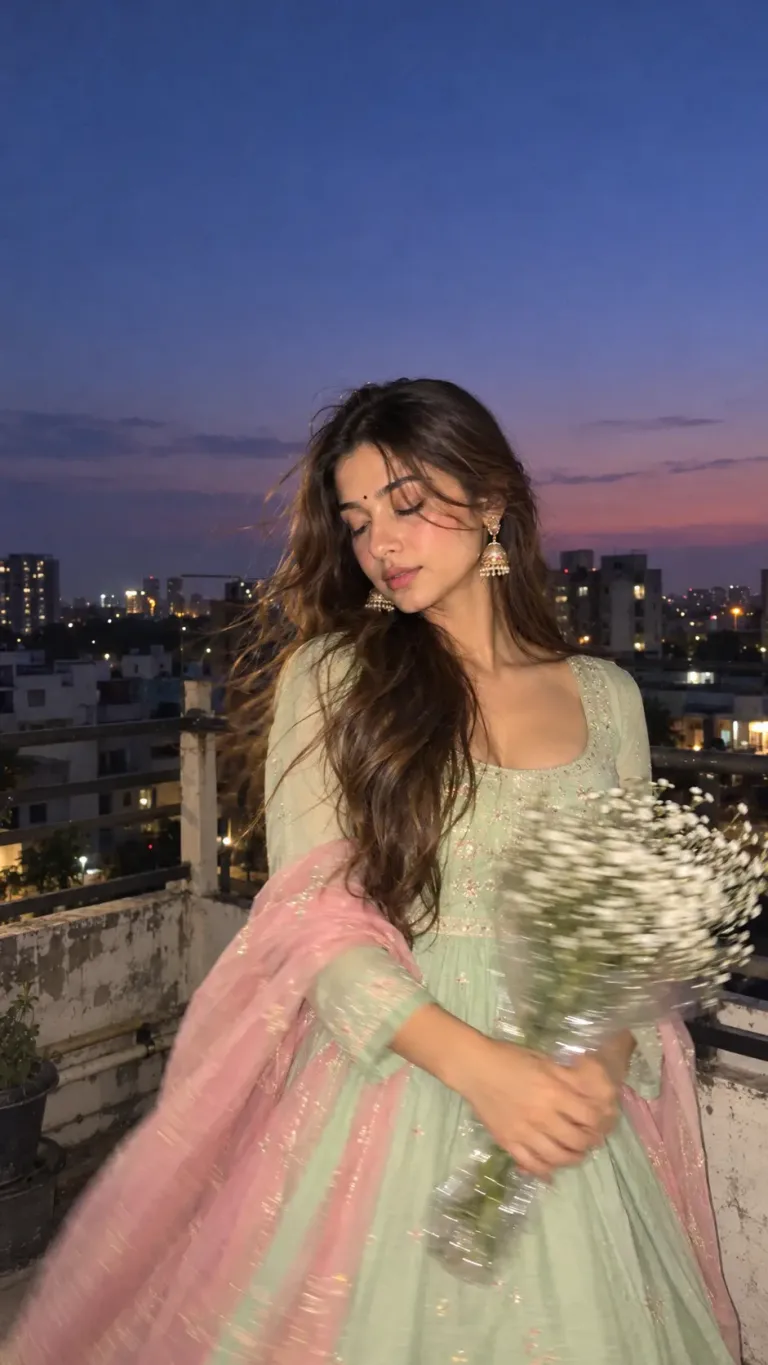
Aesthetic Girl Portrait Prompt – Motion-Blurry Flower Photography

AI Paper Cut Art Prompt - Transform Your Photo into a 3D Layered Papercraft Illustration
