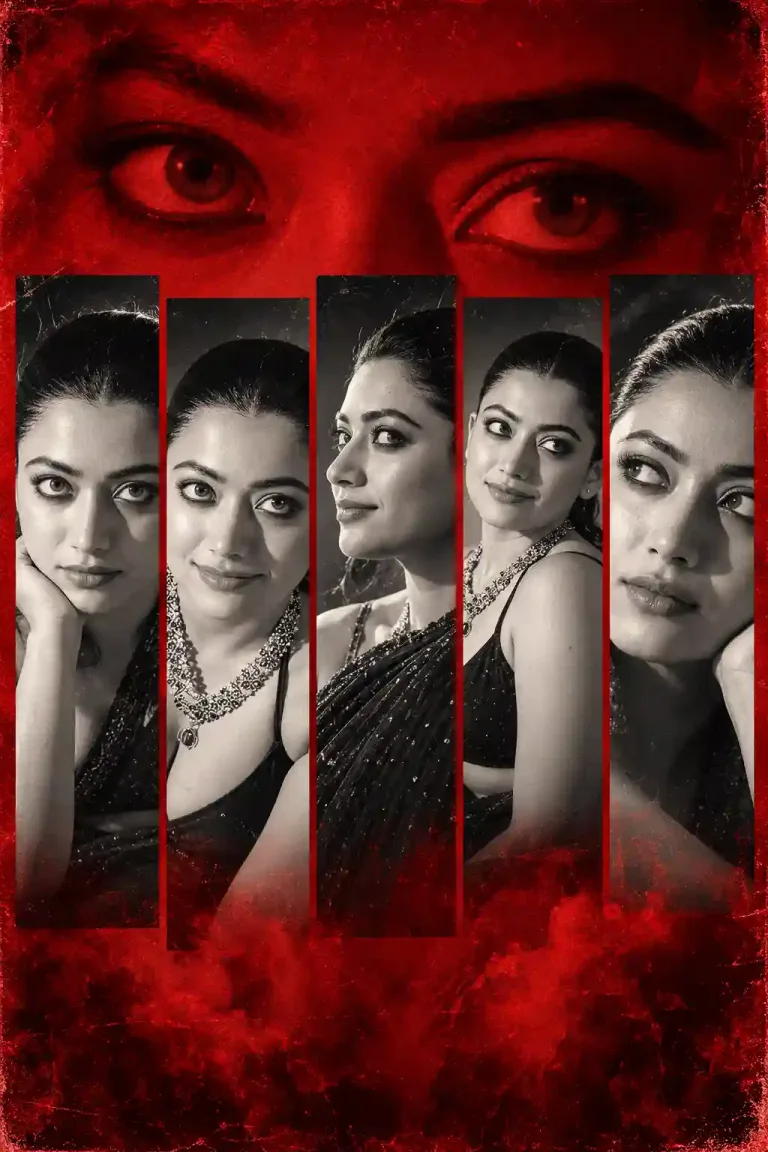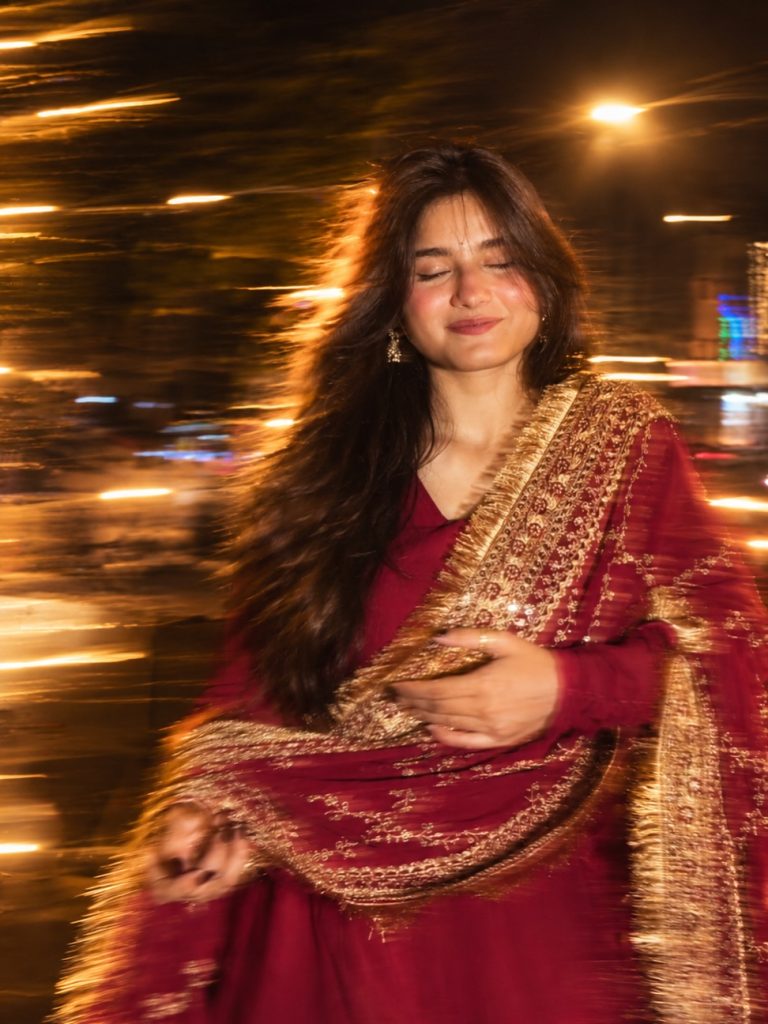

Motion Blur Photography Prompt – Cinematic Night Flash Photo Editing
Transform your ordinary photographs into dynamic cinematic night portraits with this motion blur photo editing prompt. Add long-exposure movement, blurred hair, hands and clothing, warm side-flash lighting, and a dramatic nighttime atmosphere while preserving the original subject and pose.
AI Photo Prompts for Girls
Intermediate
Prompt
Copied 161 times
Motion blur on hair, hands, skirt + long strong exposure across the subject & background as if captured while moving + warm flash light from one side + night vibe. keep the subject & pose same, 4k hdr
Try it in:
Save this prompt
Sign in with Google to keep your favourite prompts in one place — they will be waiting for you on any device.
You do not need an account to copy this prompt — only to save it.
Settings
- Aspect ratio:
- 9:16
- Style:
- cinematic
Works with
- ChatGPT
- Google Gemini
A tool not listed here has not been tested with this prompt — it is not a claim that the prompt fails there.
How to use this prompt
- Select the photo you want to edit.
- Open chatgpt or gemini.
- Upload your original photograph.
- Copy the prompt.
- Paste it into the chatbox.
- Hit Enter.
- Check the edited photo and explore variations.
- Save your favourite result.
Tags
Related prompts
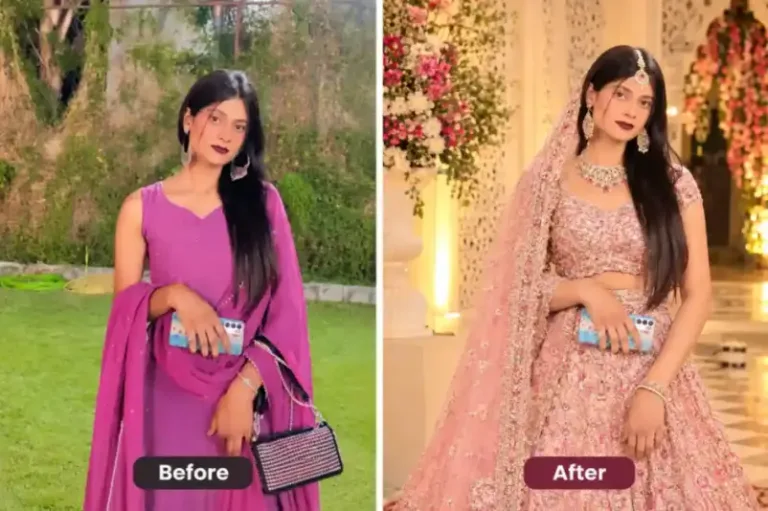
Indian woman wearing an elegant pastel pink embroidered lehenga | prompt seen girl lehenga
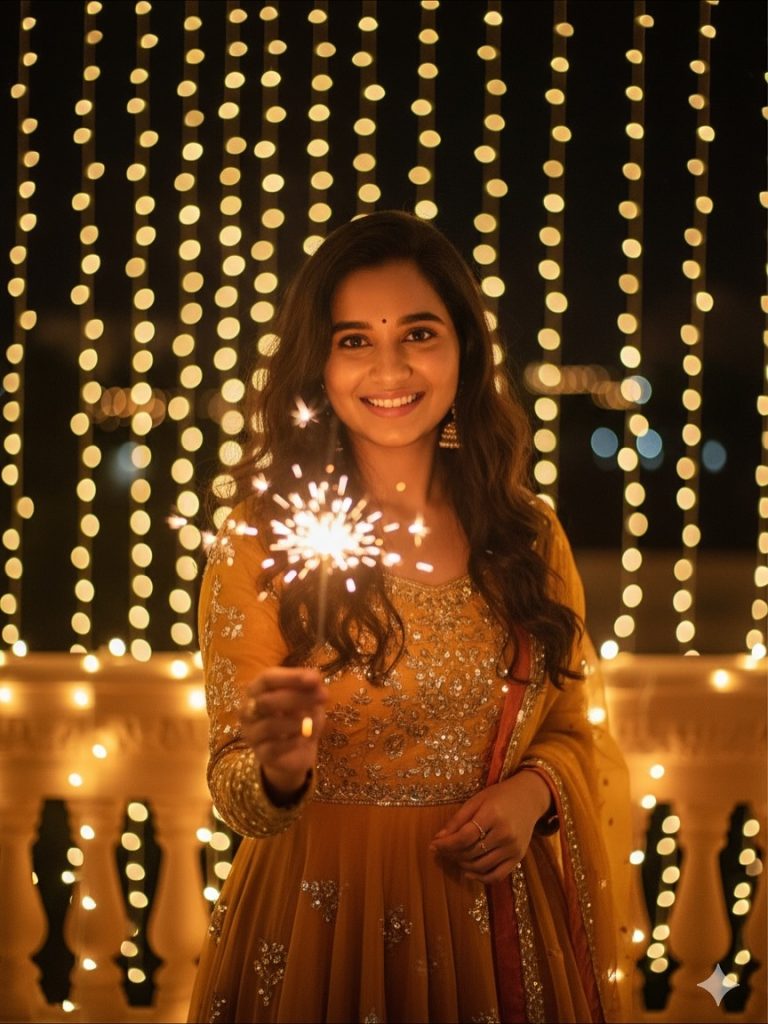
Diwali Prompt for Women Festive Anarkali Portrait with Sparkler and Fairy Lights

Diwali Prompt for Women – Elegant Green Ethnic Outfit with Golden Fairy Lights

Dreamy Amber Gold Glow and Cinematic Festive Photo Editing - Diwali Prompt For Girls

Diwali Prompt for Girl – Dreamy Golden Glow and Ethereal Cinematic Photo Editing

Cinematic Girl Portrait in Magenta Saree – Photo Editing Prompt