Diwali Prompt for Women Festive Anarkali Portrait with Sparkler and Fairy Lights
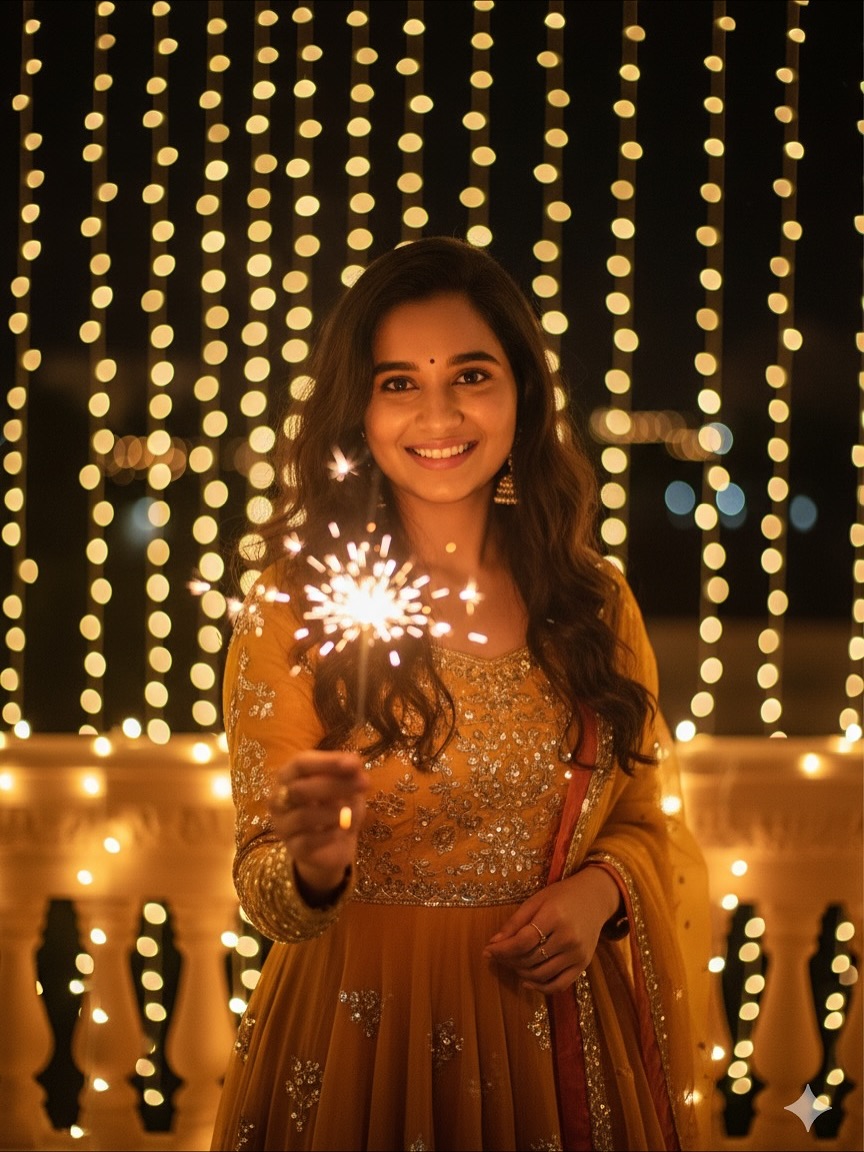
Create a beautiful, hyper-realistic Diwali portrait of an Indian woman celebrating with a glowing sparkler. This Diwali Prompt features a colourful Anarkali suit, joyful expression, warm golden fairy lights, sparkling bokeh, and cinematic festive lighting. Use an uploaded reference photo to guide facial resemblance.
AI Photo Prompts for Girls
Intermediate
Prompt
Copied 85 times
A beautiful young Indian woman is celebrating Diwali, holding a lit **sparkler** (phuljhadi) in her right hand. She is looking directly at the camera with a **joyful, warm smile**. She has long, wavy brown hair and is wearing a festive, richly colored **Anarkali suit** or kurta in shades of **mustard yellow, orange, and gold** with metallic or **sequin detailing**. The setting is an outdoor or balcony space at **night**, illuminated by numerous warm, glowing **fairy lights** (string lights) hanging in the background, creating a beautiful bokeh effect. The overall lighting is **warm and festive** The image should be **hyper-realistic**, **4k resolution**, with sharp focus on the subject and a shallow depth of field (bokeh background). **Indian festival atmosphere.***, "style": ["hyper-realistic", "photorealistic", "cinematic lighting", "high detail", "4k"], "camera": ["medium close-up", "shot at eye level", "shallow depth of field"], "artist_inspirations": ["Vogue India photography", "Indian portraiture"] I want exact same face as l uploaded no alteration 100 percent.
Try it in:
Save this prompt
Sign in with Google to keep your favourite prompts in one place — they will be waiting for you on any device.
You do not need an account to copy this prompt — only to save it.
Settings
- Aspect ratio:
- 4:5
- Model:
- GPT-5
- Style:
- cinematic
Works with
- ChatGPT
- Google Gemini
A tool not listed here has not been tested with this prompt — it is not a claim that the prompt fails there.
How to use this prompt
- Select a clear photograph of the person whose face you want to use.
- Open an Al image generation or photo editing tool that supports reference images.
- Upload your original photograph as the face reference.
- Copy the complete Diwali Prompt from above. Paste it into the Al tool.
- Generate the image using the reference-image feature.
- Check the facial resemblance, outfit details, sparkler, and background lighting.
- Generate variations if needed and save your favourite result.
Tags
Related prompts

Diwali Prompt for Men – Cinematic Fireworks Portrait with Face Reference

Dreamy Amber Gold Glow and Cinematic Festive Photo Editing - Diwali Prompt For Girls

Diwali Prompt for Girl – Dreamy Golden Glow and Ethereal Cinematic Photo Editing

Epic Ramayana × Diwali Cinematic Portrait - Gemini Diwali Photo Prompt
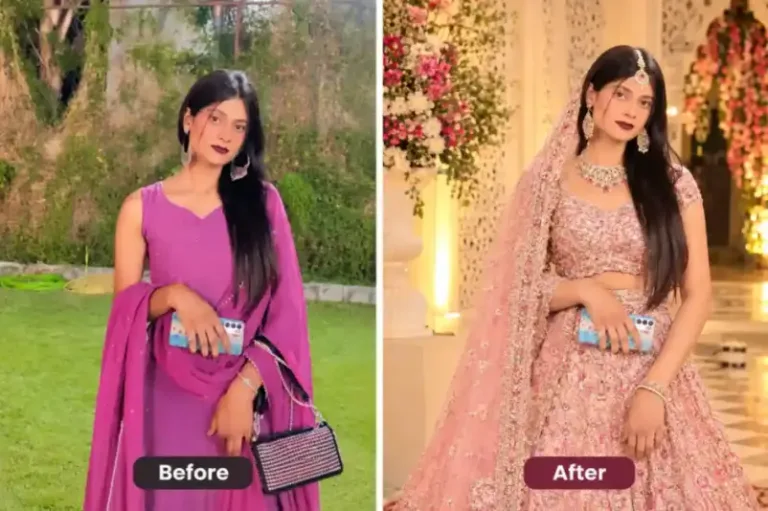
Indian woman wearing an elegant pastel pink embroidered lehenga | prompt seen girl lehenga
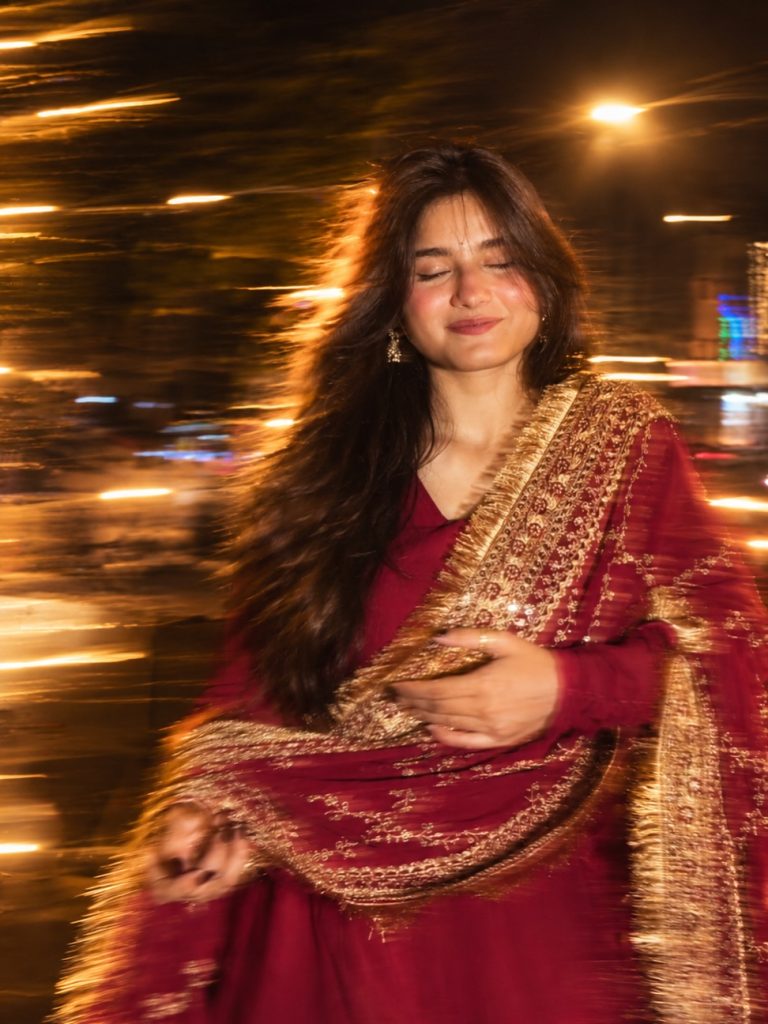
Night Motion Prompt For Girl Photo – Long Exposure Blur & Flash Effect

Motion Blur Photography Prompt – Cinematic Night Flash Photo Editing

Cinematic Girl Portrait in Magenta Saree – Photo Editing Prompt