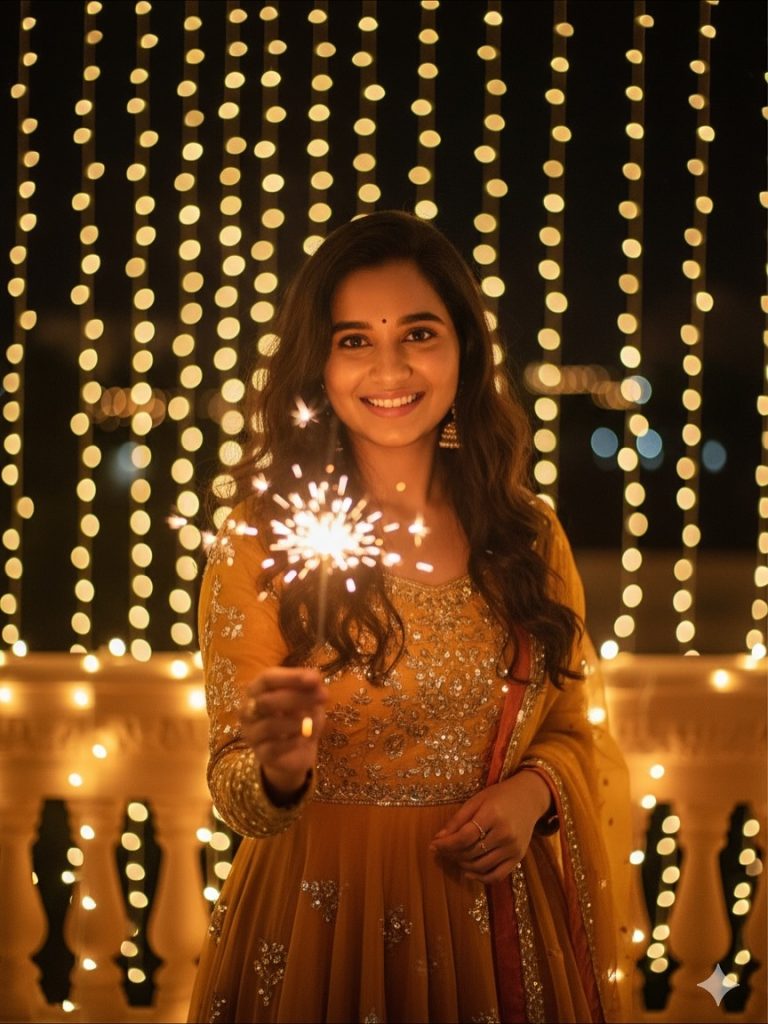

Diwali Prompt for Women – Elegant Green Ethnic Outfit with Golden Fairy Lights
Create a stunning Diwali portrait of an Indian woman standing on a beautifully decorated balcony at night. This Diwali Prompt features an elegant olive-green ethnic suit, intricate gold embroidery, sparkling golden fairy lights, warm amber lighting, and a luxurious festive atmosphere while preserving the original facial identity.
AI Photo Prompts for Girls
Intermediate
Prompt
Copied 28 times
A beautiful, ultra-realistic full-body portrait of an Indian woman standing on a modern balcony at night during Diwali, facing directly towards the camera with a gentle, natural smile. She is wearing an elegant olive-green ethnic suit with intricate gold embroidery, a matching embellished dupatta, delicate earrings and traditional accessories. Her long, wavy dark hair falls naturally over her shoulders. One hand rests gracefully on the balcony railing while the other rests near her waist. Dense vertical strings of warm golden fairy lights illuminate the balcony, creating sparkling bokeh and a luxurious festive atmosphere. Warm amber lighting, cinematic golden glow, realistic skin texture, intricate fabric details, shallow depth of field, professional DSLR photography, 85mm portrait lens, ultra-detailed 8K quality. Preserve the exact original facial identity, facial features, hairstyle and natural proportions from the uploaded face reference.
Try it in:
Save this prompt
Sign in with Google to keep your favourite prompts in one place — they will be waiting for you on any device.
You do not need an account to copy this prompt — only to save it.
Settings
- Aspect ratio:
- 4:5
- Model:
- Gemini 3 Pro
- Style:
- cinematic
Works with
- ChatGPT
- Google Gemini
A tool not listed here has not been tested with this prompt — it is not a claim that the prompt fails there.
How to use this prompt
- Select a clear photograph of the woman whose face you want to use.
- Open your preferred Al image generation or photo editing tool.
- Upload the photograph as a face reference.
- Copy the complete Diwali Prompt from above.
- Paste it into the prompt box.
- Generate the image using the reference-image feature.
- Review the facial resemblance, ethnic outfit, embroidery, and balcony decorations.
- Generate variations if needed, then upscale and save your favourite result.
Tags
Related prompts

Diwali Prompt for Girl – Dreamy Golden Glow and Ethereal Cinematic Photo Editing

Diwali Prompt for Men – Cinematic Fireworks Portrait with Face Reference

Dreamy Amber Gold Glow and Cinematic Festive Photo Editing - Diwali Prompt For Girls

Epic Ramayana × Diwali Cinematic Portrait - Gemini Diwali Photo Prompt
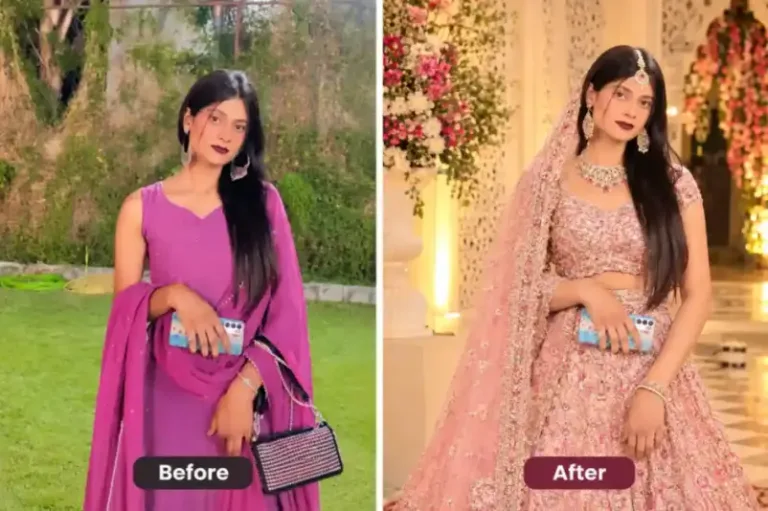
Indian woman wearing an elegant pastel pink embroidered lehenga | prompt seen girl lehenga
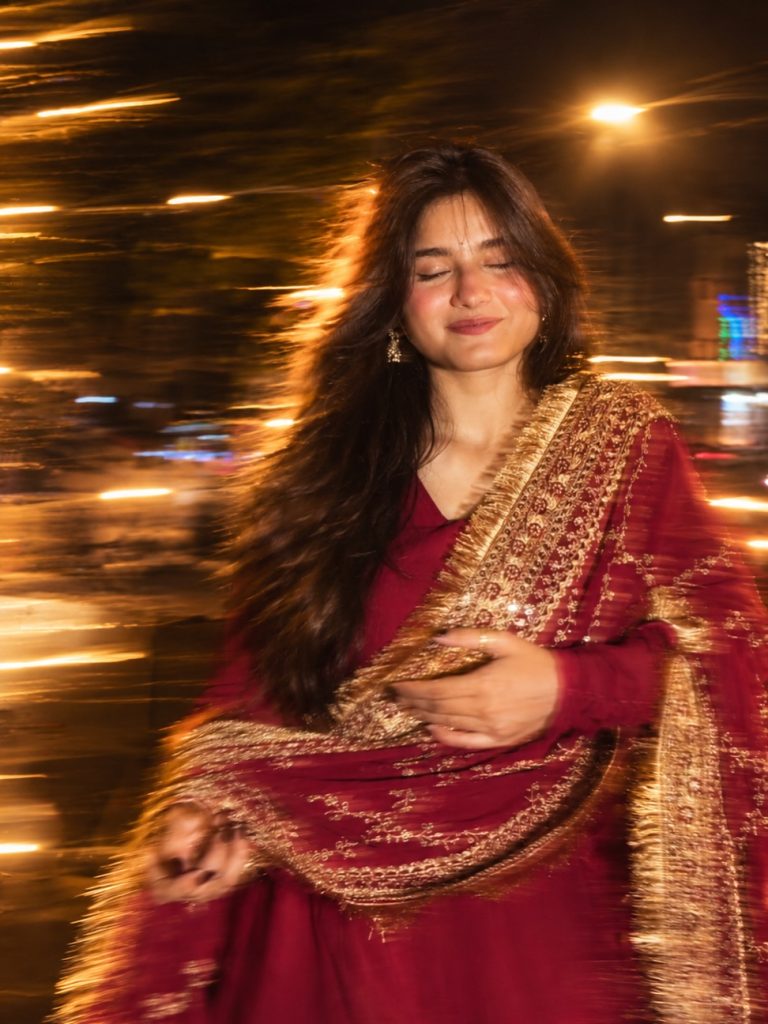
Night Motion Prompt For Girl Photo – Long Exposure Blur & Flash Effect

Motion Blur Photography Prompt – Cinematic Night Flash Photo Editing

Cinematic Girl Portrait in Magenta Saree – Photo Editing Prompt