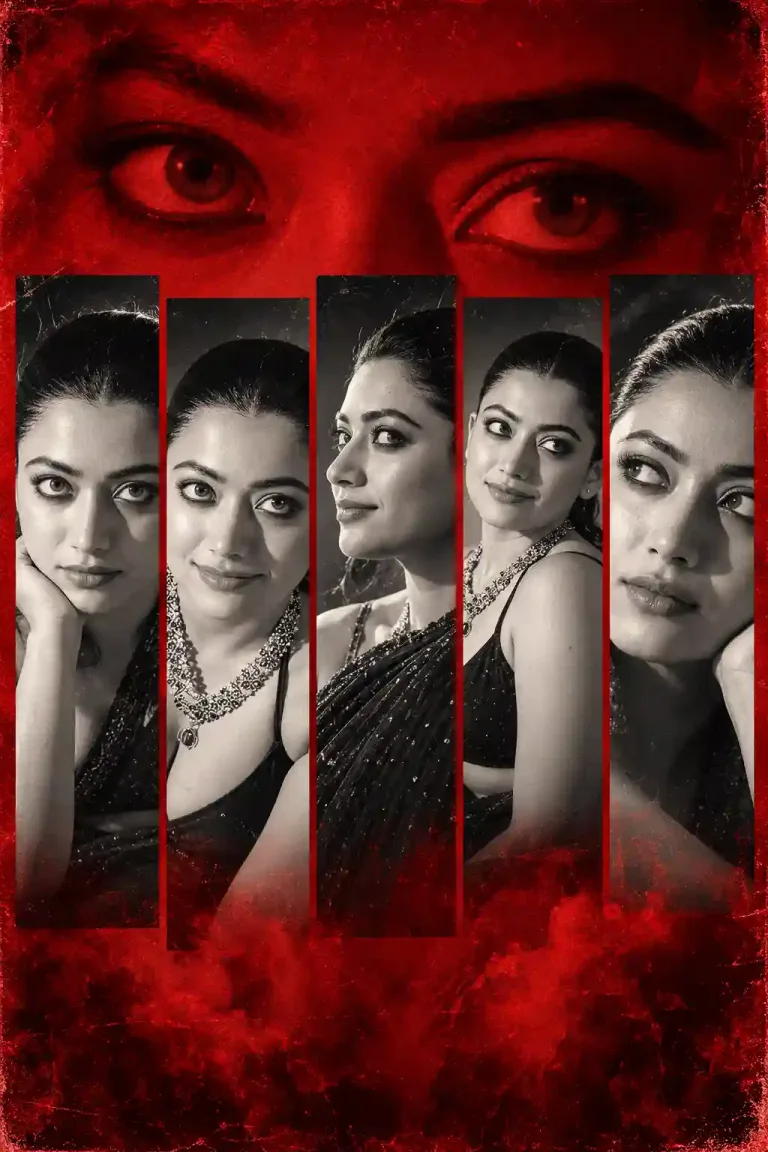
Dreamy Amber Gold Glow and Cinematic Festive Photo Editing - Diwali Prompt For Girls
Transform your Diwali photographs into dreamy, luxurious festive portraits with this beautiful Diwali Prompt. Add warm amber-gold lighting, glowing jewelry, sparkling bokeh, candlelit highlights, soft cinematic haze, and a romantic vintage film aesthetic while preserving your original face, expression, pose, and composition.
AI Photo Prompts for Girls
Intermediate
Prompt
Copied 42 times
Dreamy amber-gold cinematic glow, intense soft-focus diffusion, warm candlelit highlights, luminous skin, sparkling golden jewelry, glowing bokeh orbs, subtle rainbow lens flares, delicate light leaks, creamy haze, soft bloom, gentle overexposure, rich honey and champagne tones, vintage 35mm film grain, ethereal romantic atmosphere, dark blurred background. Preserve original face, facial features, expression, jewelry, pose, framing and composition.
Try it in:
Save this prompt
Sign in with Google to keep your favourite prompts in one place — they will be waiting for you on any device.
You do not need an account to copy this prompt — only to save it.
Settings
- Aspect ratio:
- 4:5
- Model:
- GPT-5
- Style:
- cinematic
Works with
- ChatGPT
- Google Gemini
A tool not listed here has not been tested with this prompt — it is not a claim that the prompt fails there.
How to use this prompt
- Select your favourite Diwali photograph or traditional portrait.
- Open your preferred Al image editing tool.
- Upload your original photograph.
- Copy the complete Diwali Prompt from the Prompt section.
- Paste it into the Al editing tool.
- Ask the Al to apply the golden cinematic effect while preserving your original face, jewelry, expression, pose, and composition.
- Generate the edited image and explore variations if needed.
- Save your favourite result and share it on Instagram or other social media platforms.
Tags
Related prompts
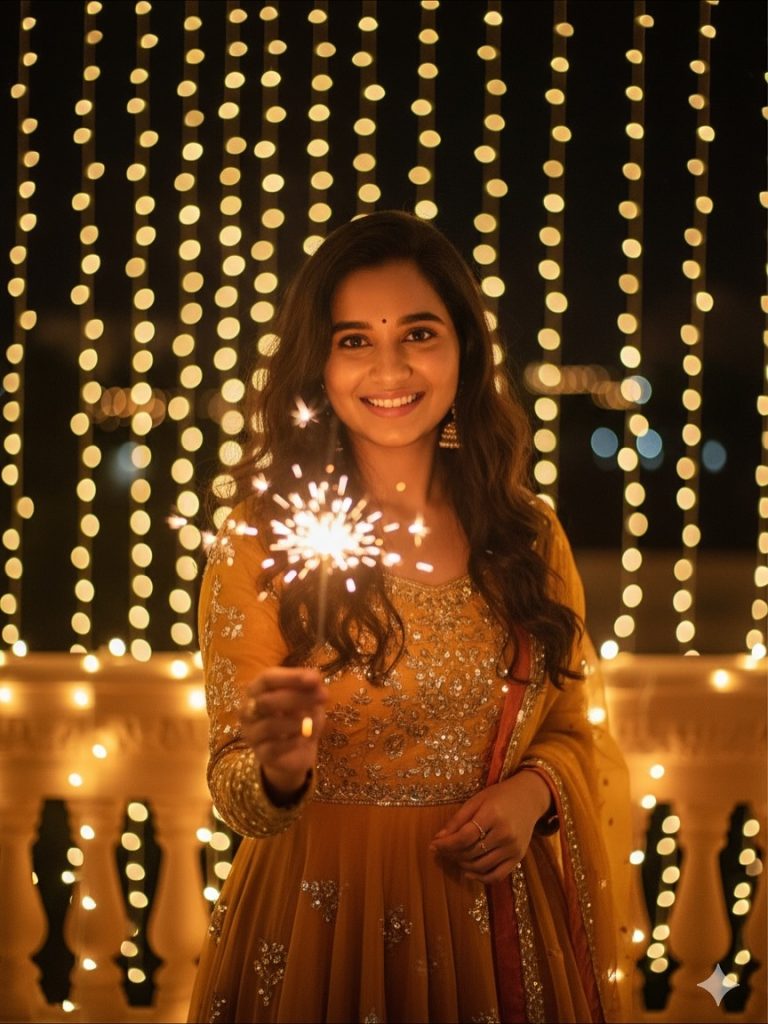
Diwali Prompt for Women Festive Anarkali Portrait with Sparkler and Fairy Lights

Diwali Prompt for Women – Elegant Green Ethnic Outfit with Golden Fairy Lights

Diwali Prompt for Men – Cinematic Fireworks Portrait with Face Reference

Epic Ramayana × Diwali Cinematic Portrait - Gemini Diwali Photo Prompt
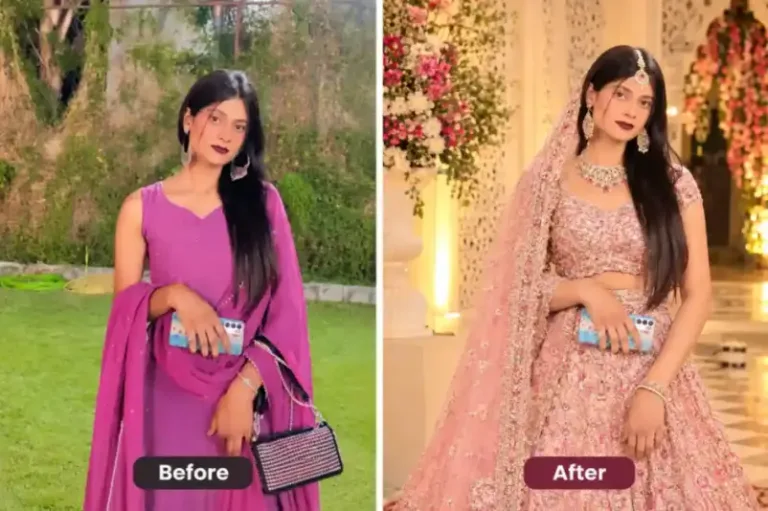
Indian woman wearing an elegant pastel pink embroidered lehenga | prompt seen girl lehenga
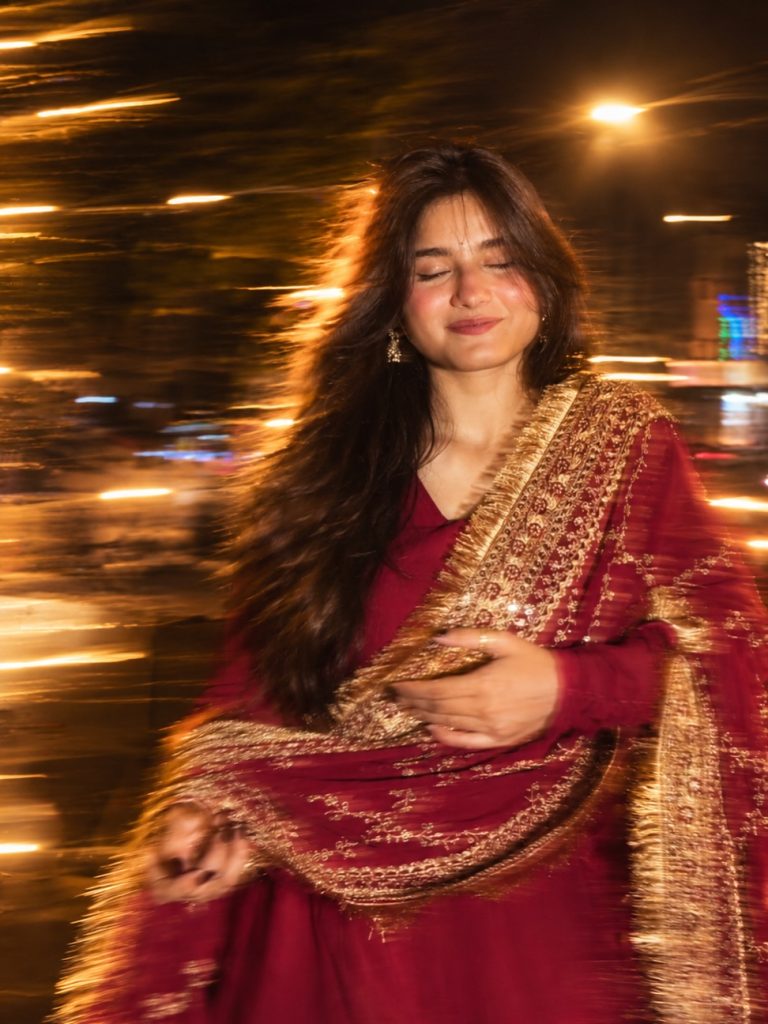
Night Motion Prompt For Girl Photo – Long Exposure Blur & Flash Effect

Motion Blur Photography Prompt – Cinematic Night Flash Photo Editing

Cinematic Girl Portrait in Magenta Saree – Photo Editing Prompt